Paperless board meetings made secure and simple
eBoard helps organizations manage boards, agendas, board packs, minutes, attendance and voting in one secure platform — with role-based access and OTP login.

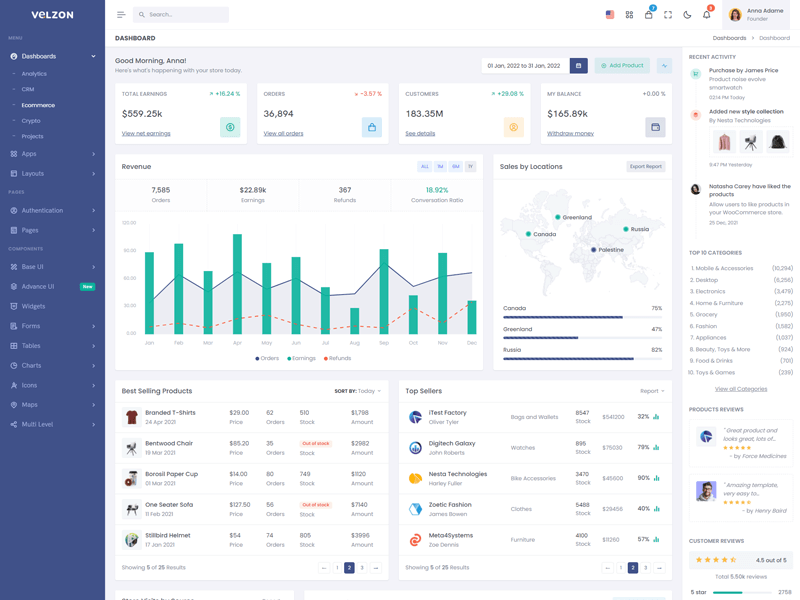
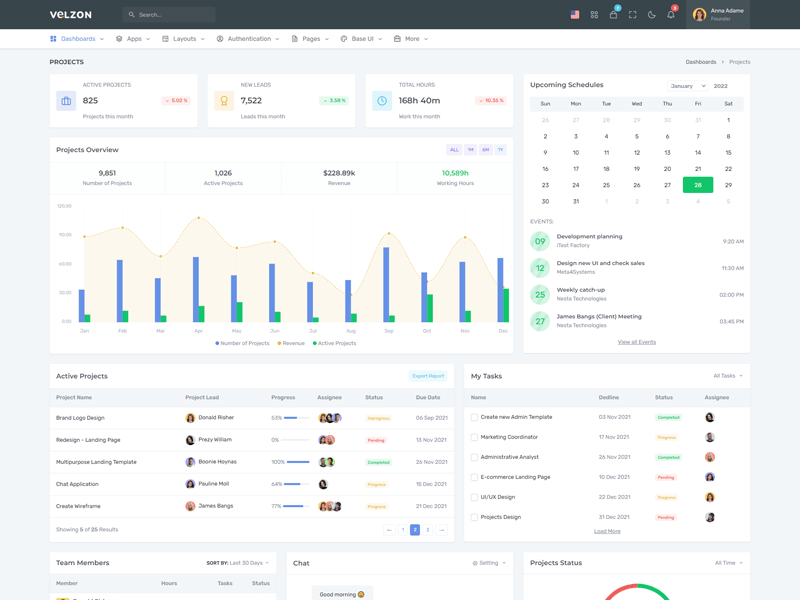
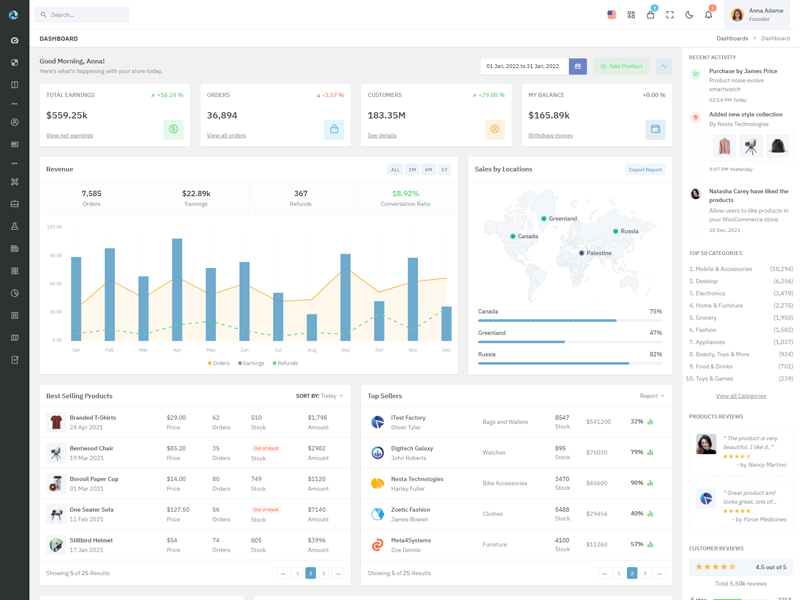
Everything your board needs — in one place
Manage multiple boards, schedule meetings, publish board packs, track attendance, draft minutes, and run voting workflows with clear audit trails.
Meetings & Scheduling
Schedule meetings, manage invitations, and track attendance reliably.
Agendas & Board Packs
Prepare agendas, attach documents, and publish a complete board pack.
Voting & Resolutions
Run secure voting, capture resolutions, and maintain decision history.
Minutes & Actions
Draft minutes, approve them, and track action items to closure.
Role-Based Access
Administrator, Secretary, Board Member, Observer — each with controlled access.
OTP Secure Login
Sign in via OTP for enhanced security and reduced password risk.
Key Features
- Board management (multiple boards)
- Meeting scheduling + attendance
- Agendas + board packs with controlled access
- Minutes drafting + approvals
- Voting + resolutions + action tracking
- Audit logs & activity history (recommended)
Designed for governance & accountability
eBoard ensures the right people access the right information at the right time — with restricted documents, invite-only meetings, and clear permissions.
Security-first access to board information
OTP login, role-based permissions, document restrictions, and meeting-level access controls.
Frequently Asked Questions
Common questions about eBoard and how it supports board governance.
Using eBoard
Security
Request a Demo
Send us your details and we’ll share a walkthrough and implementation approach.